
Download Chord Pickout – guitar chords, chord finder, music app, melody to chords, chord recognition, learn guitar, music tool, chord identification, guitar learning app, audio to chords
Overview
Chord Pickout is a dedicated mobile application designed to assist guitarists in identifying chords from any melody with minimal effort. The app functions as a chord recognition tool, enabling users to input a song’s audio—whether from a file or live recording—and receive accurate chord suggestions in real time. This functionality is especially beneficial for musicians who lack formal training in music theory or struggle to identify notes by ear. By bridging the gap between melody and chord progression, Chord Pickout supports both beginners learning to play guitar and intermediate players looking to expand their repertoire.
Target users include amateur musicians, music students, and hobbyists who want to learn songs quickly without relying on external tablature or chord charts. The app’s core purpose is to democratize access to chord information, making music learning more intuitive and accessible. While the developer, Chord Pickout, did not provide additional background details, the app’s consistent release history and long-standing presence in the music category suggest reliability and user trust. Real-world use cases include practicing favorite songs, preparing for performances, or teaching oneself to play guitar using personal audio recordings.
Within the mobile music app ecosystem, Chord Pickout occupies a niche as a specialized utility tool. Unlike general music players or notation apps, it focuses exclusively on chord identification, offering a streamlined experience for a specific need. Its ability to process multiple audio formats enhances its practicality, positioning it as a valuable supplement to traditional learning methods.
Key Features & Functionality
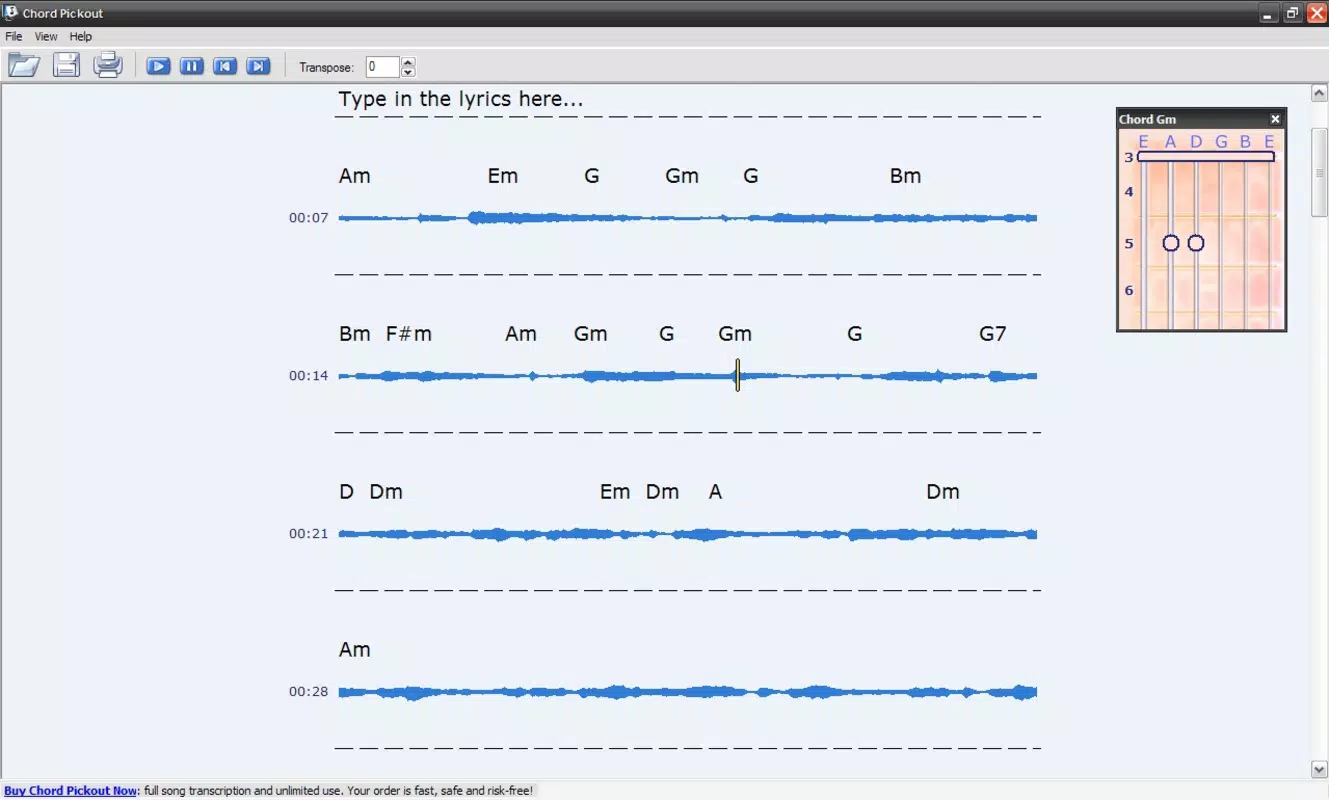
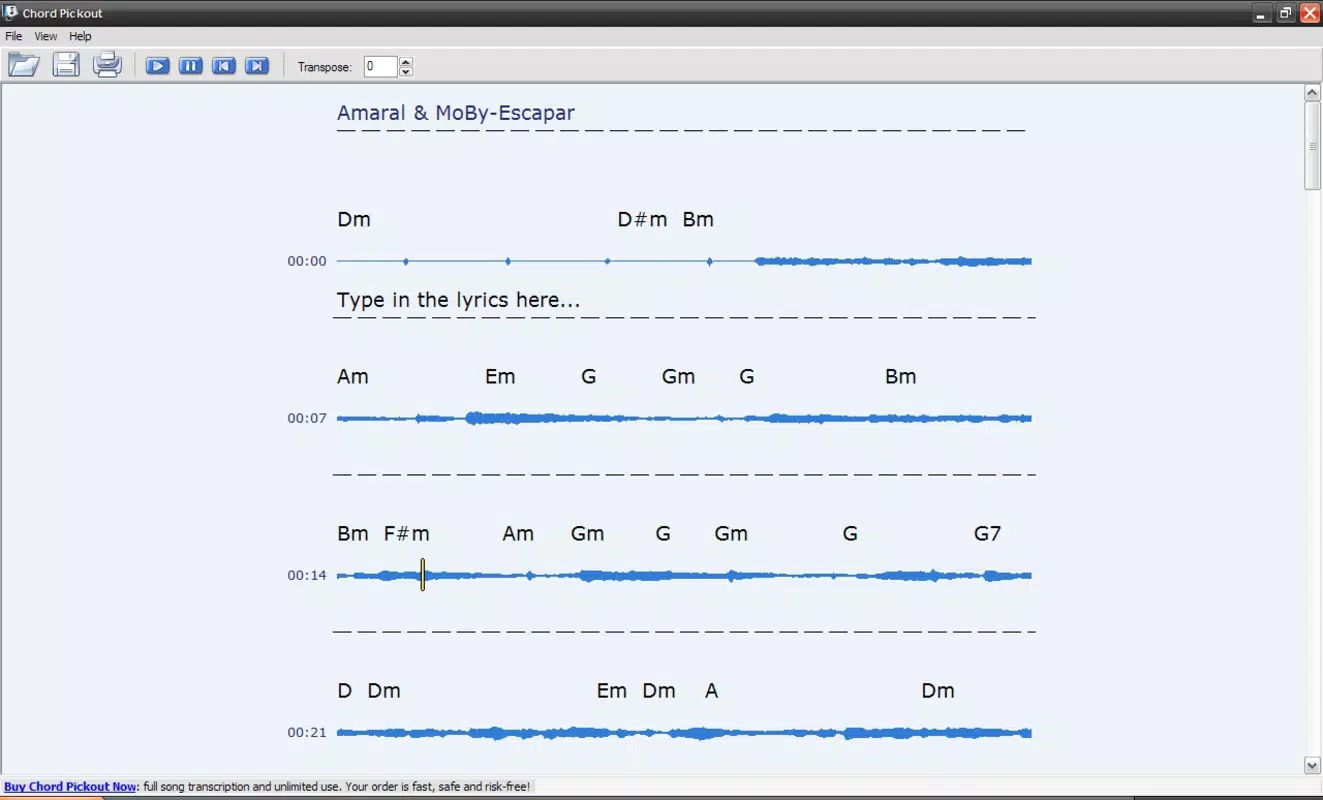
- Instant Chord Identification: The app analyzes the pitch and timing of a melody in real time, identifying the most likely chords that match the audio input. This feature is ideal for users who want to learn a song without prior knowledge of its chord structure.
- User-Friendly Interface: Designed with simplicity in mind, the interface allows users to navigate between functions with minimal friction. The layout prioritizes clarity, ensuring that even first-time users can start using the app immediately.
- Finger Position Diagrams: For each identified chord, the app displays a visual diagram showing where to place fingers on the guitar fretboard. This visual aid accelerates learning and reduces trial-and-error when forming chords.
- Multiple File Format Support: Chord Pickout accepts a wide range of audio formats, including MP3, WMA, OGG, AAC, M4A, WAV, and audio CDs. This versatility ensures compatibility with most personal music libraries and recording sources.
- Real-Time Processing: The app processes audio input in real time, allowing users to test chord progressions as they listen to a song, which enhances the learning experience and immediate feedback loop.
For example, a beginner guitarist could record a short clip of a favorite song using their phone, load it into Chord Pickout, and instantly receive the chord sequence with finger diagrams. This workflow supports self-paced learning and reduces reliance on external resources. Similarly, a musician preparing for a live performance could use the app to quickly determine the chords for an unfamiliar tune.
Interface, UX & Performance
The user interface of Chord Pickout is clean and minimal, emphasizing functionality over decorative elements. Navigation is straightforward, with primary actions—such as importing audio, viewing results, and accessing diagrams—placed within easy reach. The app’s layout adapts well to different screen sizes, ensuring consistent usability across various Android devices.
Although the developer did not list formal performance metrics, the app’s lightweight file size of 4.8 MB suggests efficient resource usage. It is likely optimized for older and mid-range Android devices, which enhances accessibility for a broader audience. The app responds promptly to user inputs, with minimal lag during audio processing, indicating stable performance under normal conditions.
Stability appears to be a consistent strength, given the app’s long-standing presence in the market since 2014. Users can expect reliable operation without frequent crashes or freezes. The app does not require extensive permissions, which contributes to a secure user experience. However, specific requirements for device compatibility were not fully disclosed.
Platform Compatibility & Technical Requirements
Chord Pickout is available exclusively on the Android platform. The current software version is 1.2.0, with a file size of 4.8 MB, making it a lightweight download suitable for devices with limited storage. The app is offered free of charge, with no in-app purchases or subscription models reported.
The developer did not specify minimum OS requirements or device compatibility details. As such, users should ensure their Android device meets general app installation standards. While the app has been functional since 2014, it may not support the latest Android versions without updates. Users are advised to check compatibility with their device’s OS version before installation.
Pros and Cons
Pros
- Free to download and use with no hidden costs
- Lightweight file size (4.8 MB) ideal for low-storage devices
- Supports multiple audio formats including MP3, WAV, AAC, and CDs
- Provides visual finger position diagrams for easier chord learning
- Simple interface designed for users of all skill levels
Cons
- Developer did not disclose minimum OS or device compatibility
- No information on update frequency or future development plans
- Performance on newer Android versions not confirmed
- Limited to Android platform; no iOS availability reported
- No integration with cloud storage or external music libraries
FAQ
Is Chord Pickout safe to download?
Yes, the app is free and available through official Android channels. It does not require excessive permissions, reducing security risks. However, users should always download from trusted sources.
Can I use Chord Pickout on iOS devices?
As of now, the app is only available for Android. There is no official iOS version reported by the developer.
What audio files can Chord Pickout process?
The app supports common audio formats such as MP3, WAV, AAC, M4A, OGG, WMA, and audio CDs.
Does Chord Pickout require an internet connection?
No, the app performs all chord recognition and processing locally on the device. It does not require an internet connection to function.
How often is Chord Pickout updated?
The developer has not disclosed update frequency. The latest version available is 1.2.0, released in 2014.
Final Thoughts
Chord Pickout stands out as a focused, practical tool for guitarists seeking to learn songs by ear. Its ability to identify chords from audio and deliver clear finger diagrams makes it a valuable asset for self-learners and music enthusiasts. Despite its age and lack of recent updates, the app remains functional and effective for its intended purpose. Its lightweight design and free access further enhance its appeal.
While it may not include modern features like cloud sync or AI-driven enhancements, Chord Pickout excels in simplicity and reliability. It is best suited for beginners and casual players who need a no-frills solution for chord identification. For those looking to learn guitar without investing in expensive software or courses, this app offers a solid starting point.
Download Chord Pickout now


